VisTool

Virtual Radio Studio Environment

Virtual User Interface and GUI Editor

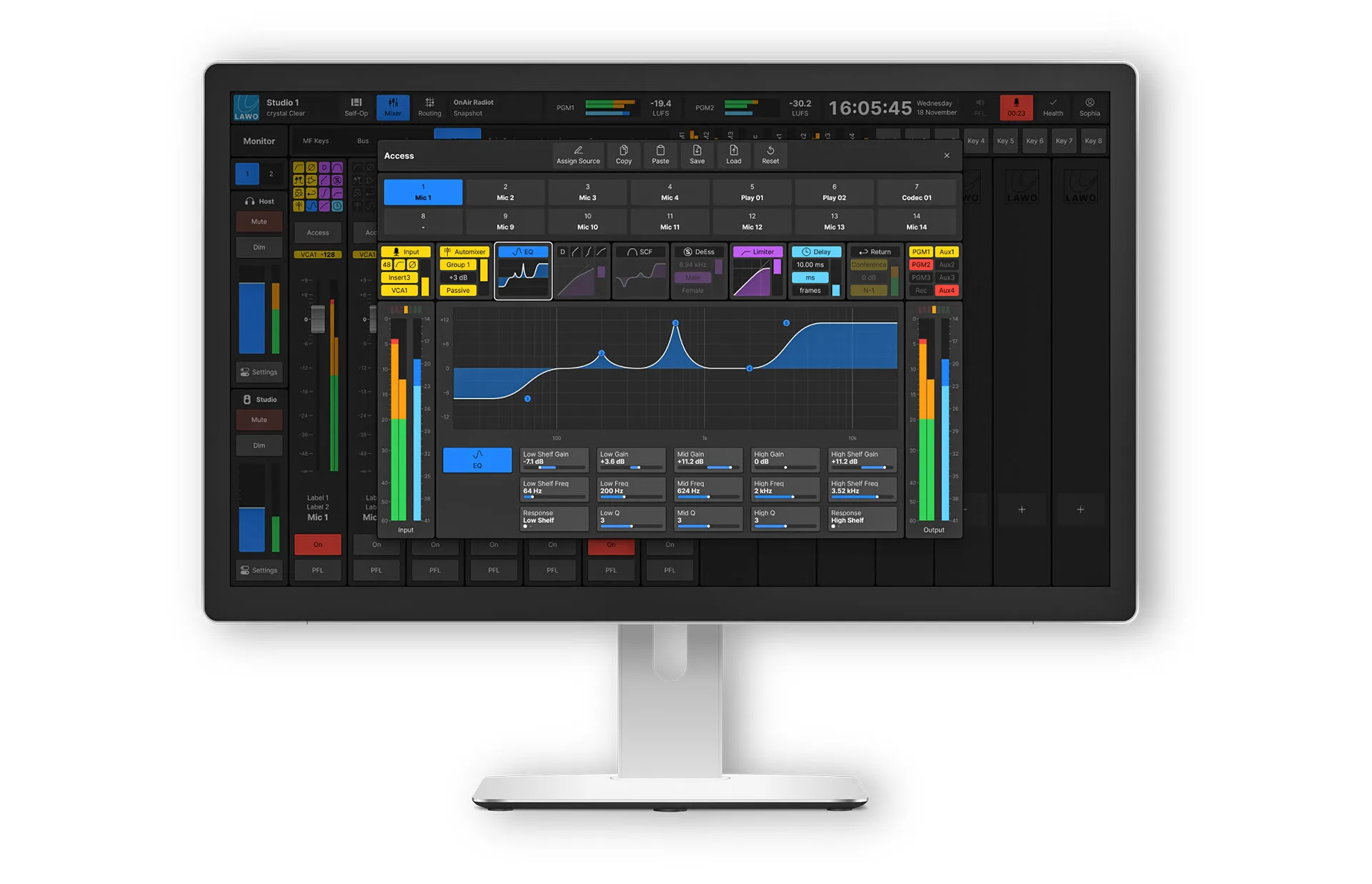
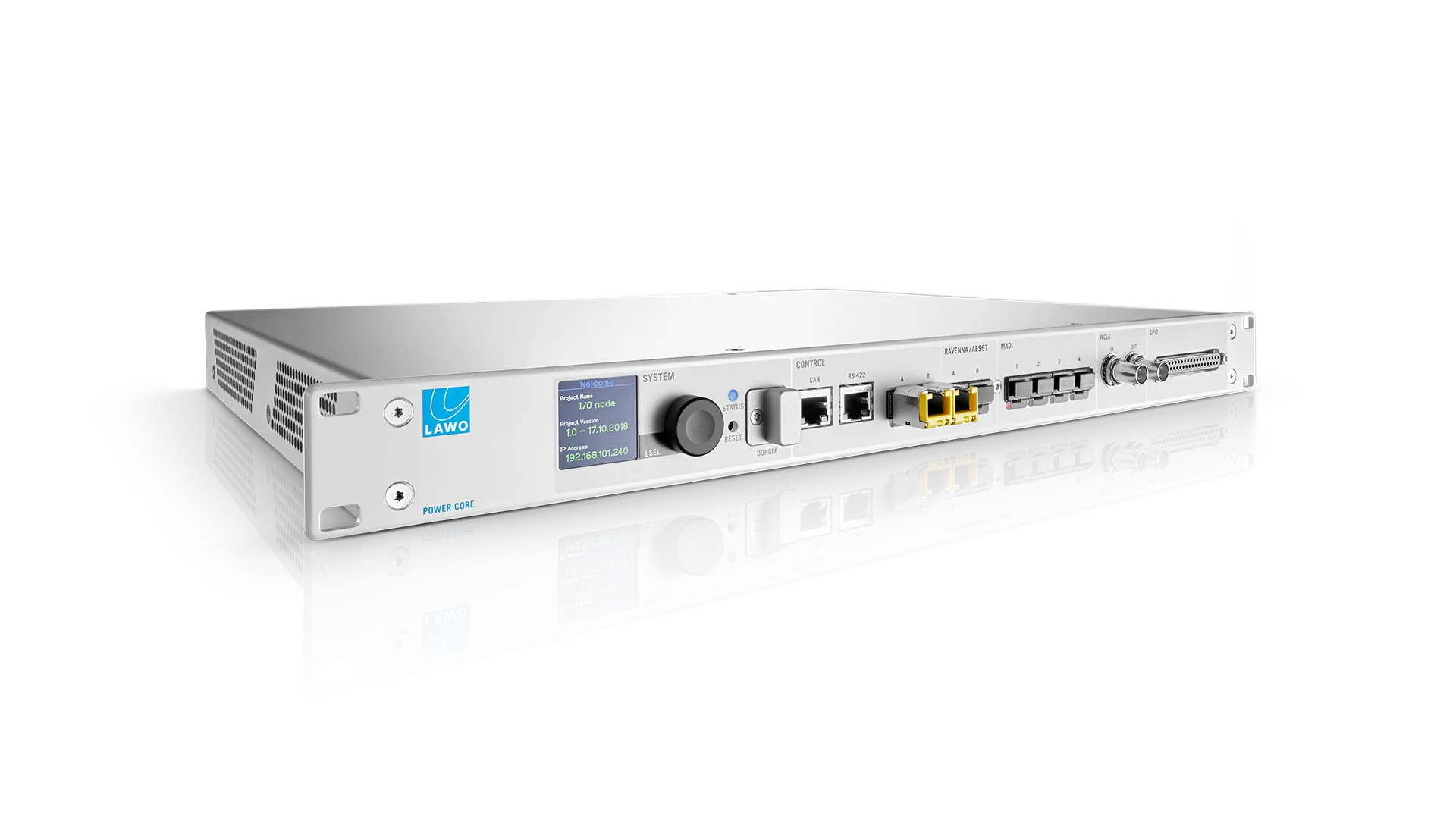
Lawo VisTool is the premier virtual user interface and control software for Lawo Power Core systems and the HOME Power Core app. Originally developed for radio applications, certain current iterations of VisTool also help TV stations and audio engineers to remain at the top of their game. Software-driven touchscreen operation removes clutter for spontaneous users, while tools for granular adjustments in the background remain within reach.

Almost anything operators and head engineers have in mind can be implemented with VisTool. And delivered in such a way that self-op radio talent can focus on presenting captivating shows with little or no technical experience.

Speaks Your Language

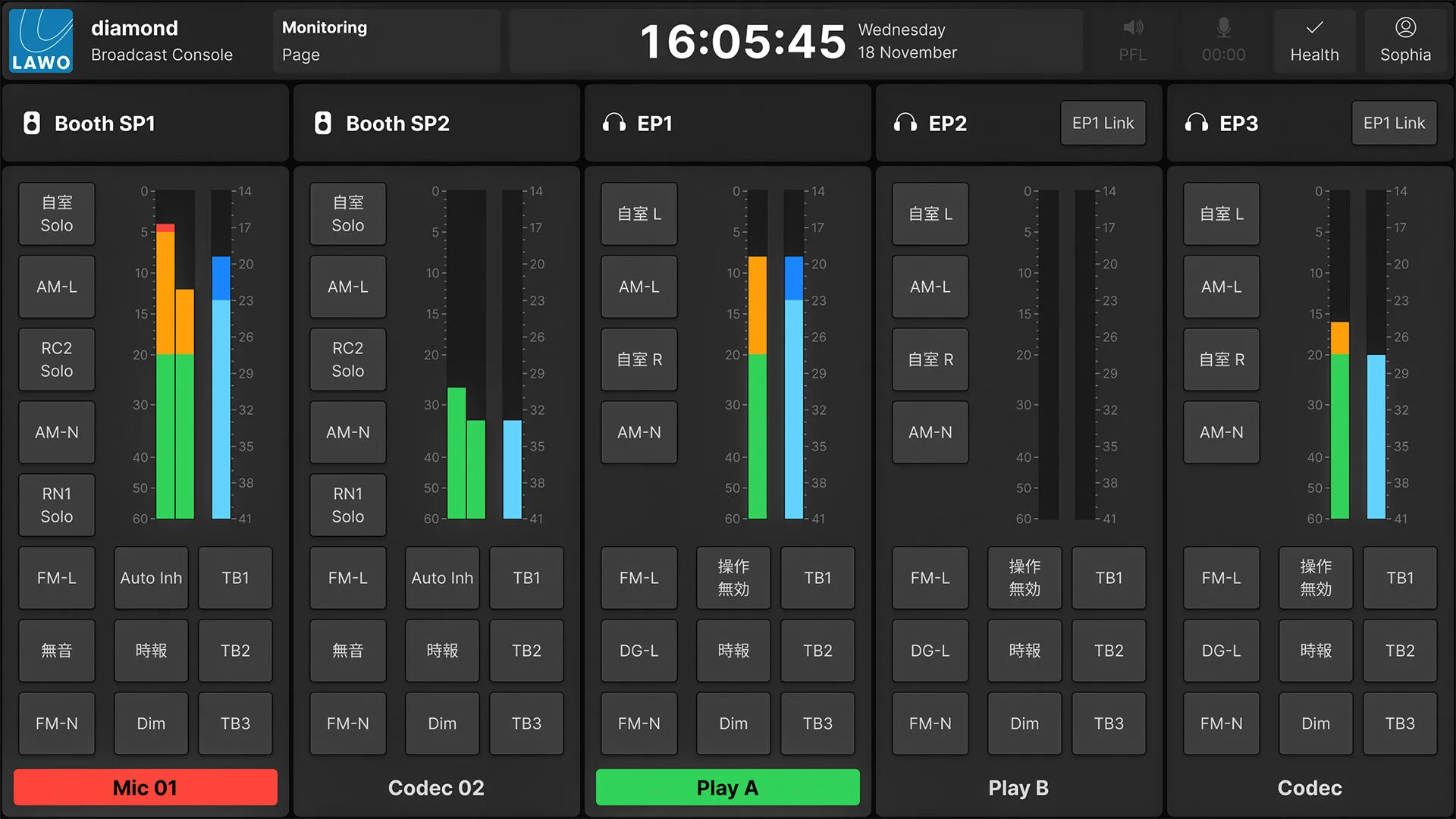
Supporting UTF-8 character sets, VisTool can be part of an integrated solution alongside physical mixing surfaces such as diamond and crystal consoles. Yet, it is also the perfect virtual “side-carcontroller, i.e. an extension of the existing hardware/software mix for additional presenters or guests. Where desired, VisTool provides all virtual control that radio hosts will ever need—in a stand-alone, virtual package.

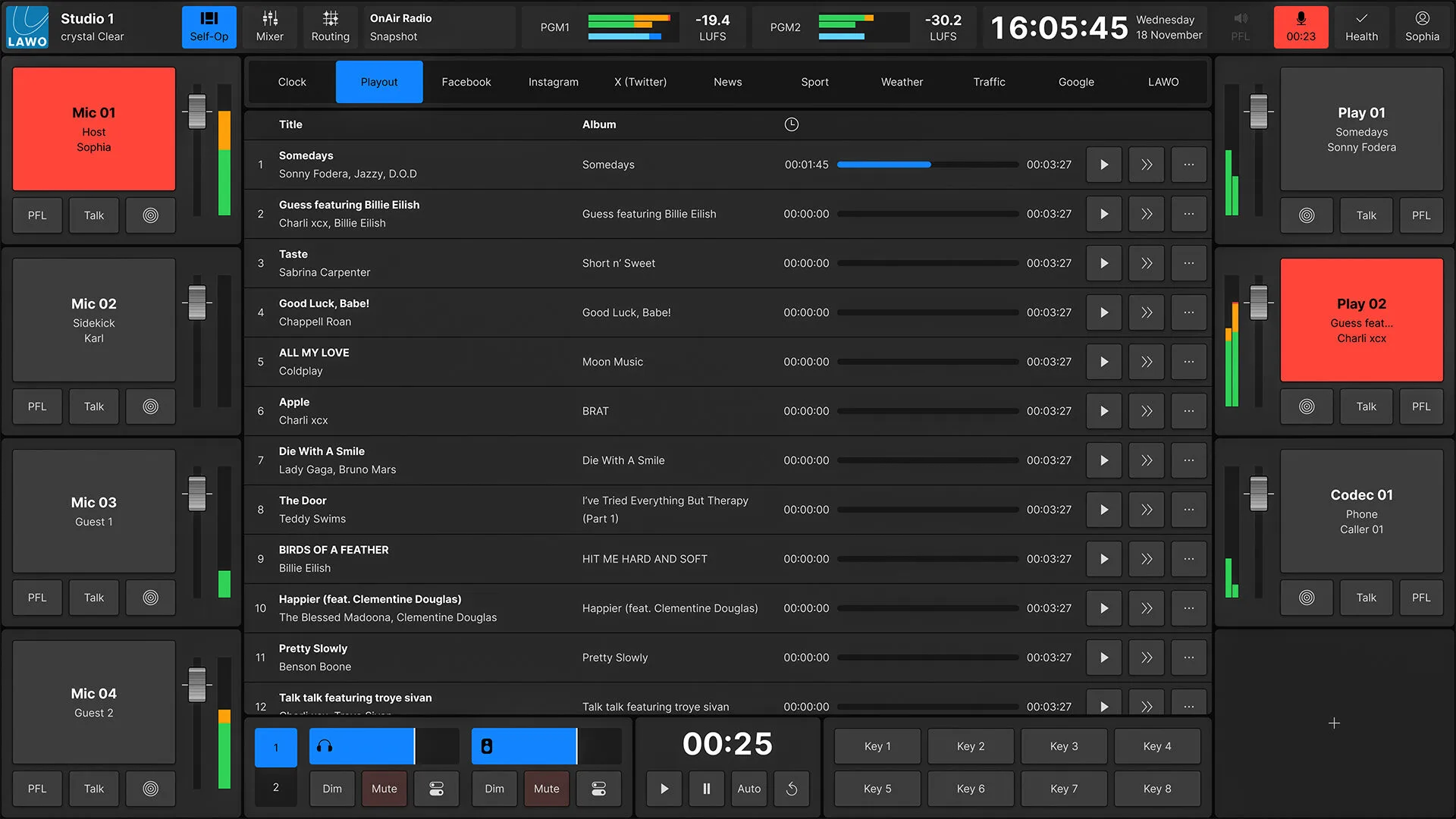
In addition to accommodating third-party software solutions for radio automation, media management, studio control and, of course, social media and web browsers, VisTool enables radio stations to reduce their studio hardware to the bare minimum: a microphone and a pair of headphones are the only hardware that is needed. Everything else can be monitored and operated via a touchscreen or tablet.

We can now attract the finest radio talent whose technical background is all but irrelevant.

section-light-grey
section-blue

Dedicated versions for radio and audio production

Custom pages for any screen size

Drag-and-drop, easy-to-use graphic and logic editors

Standard or customizable layouts and workflows

Integrates with third-party solutions using standard HTML and Ember+

Context-sensitive controls for conditional logic actions

Supports integrated Lawo VSM software panels

Graphics and Logic

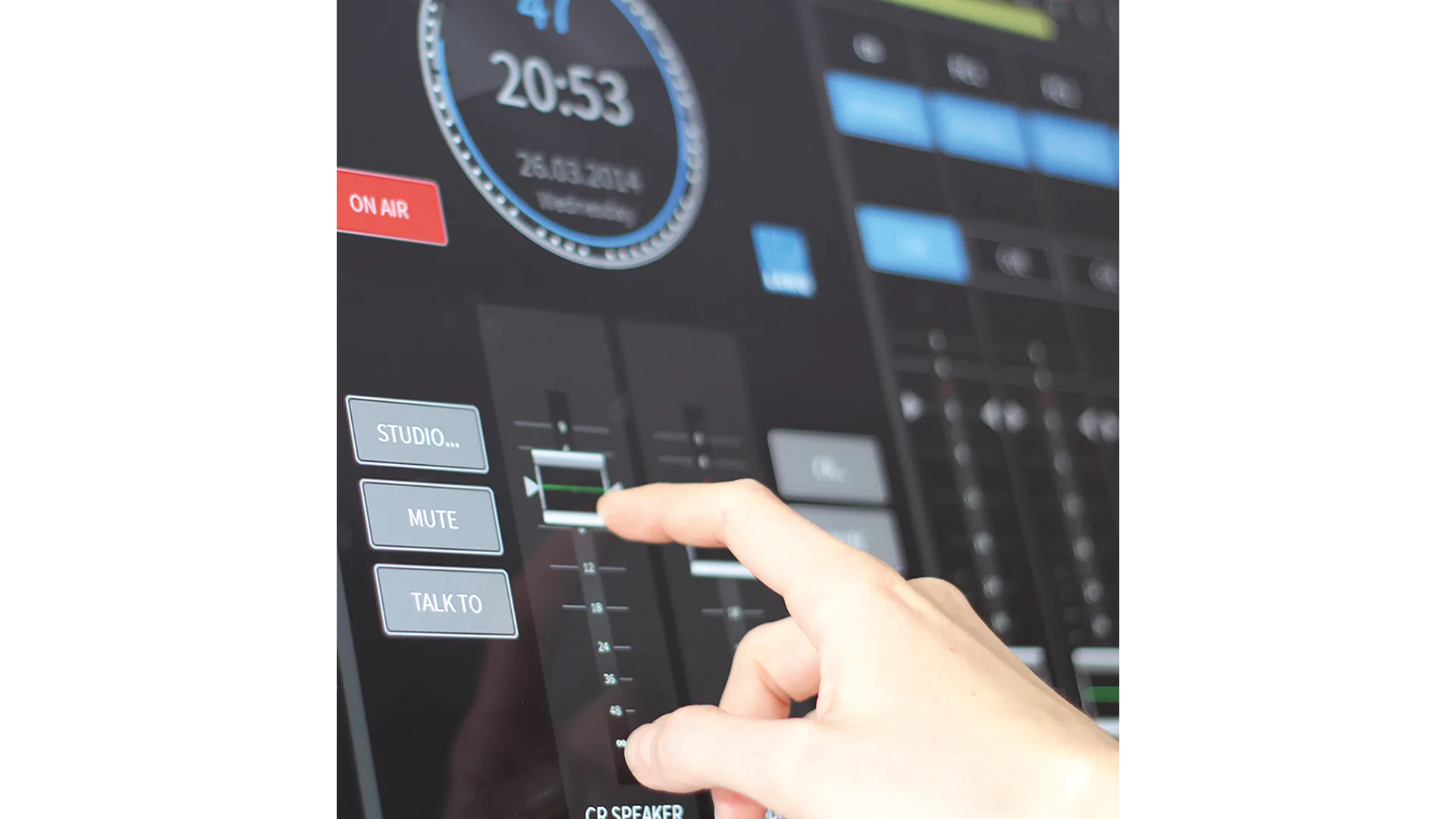
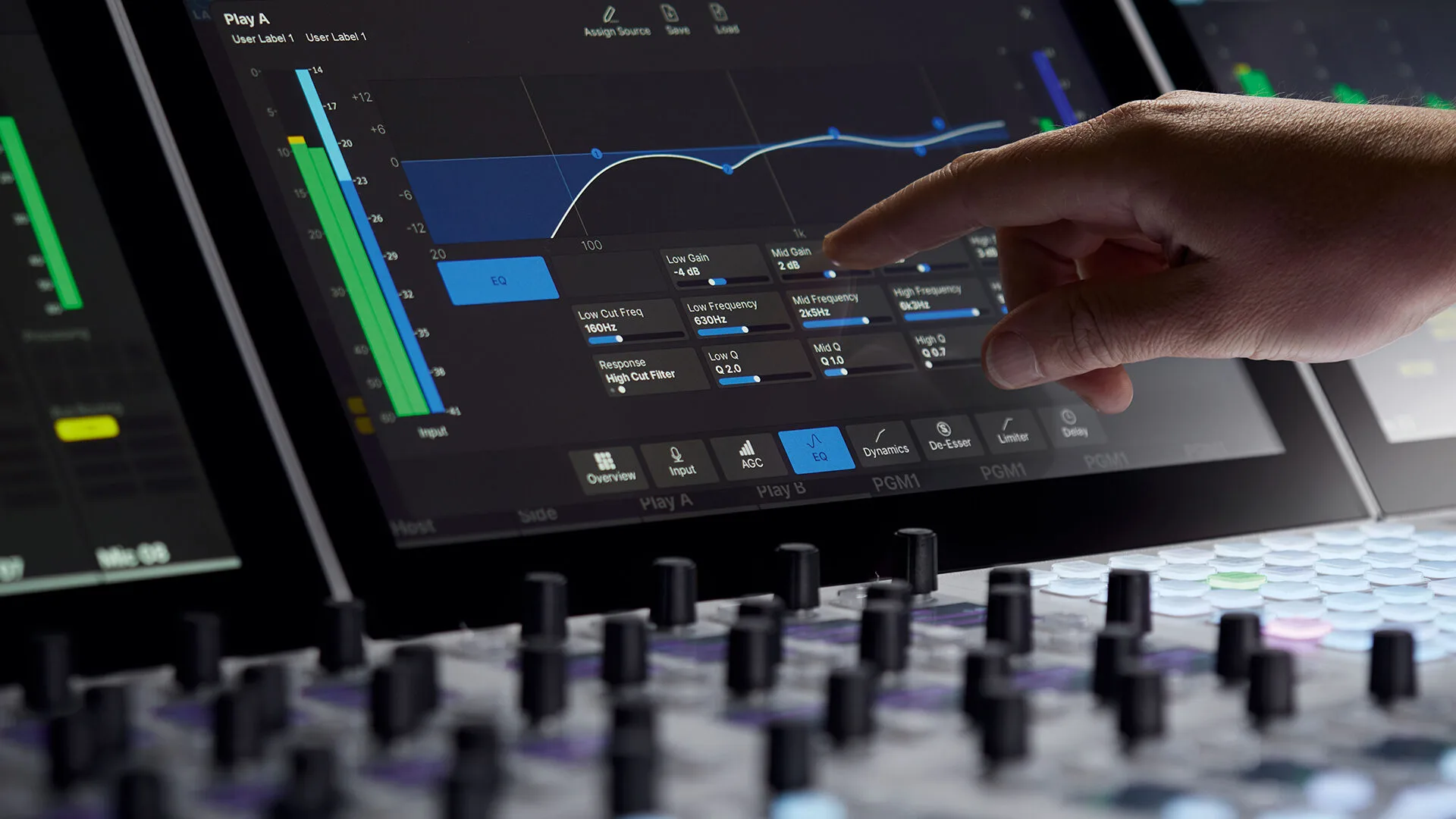
VisTool enables intuitive and integrated workflows based on carefully designed graphical elements and a powerful internal logic engine. VisTool’s toolkit is crammed with every kind of control you can think of: button panels, routing selectors, audio shaping tools, HTML frames, video windows, various kinds of metersfrom loudness to PPM—timers, and clocks. All are scalable and look crisp on even the largest screens. In addition, users can design and import their own graphics for consistent station branding.

One for All

VisTool’s stationwide snapshot management system takes the strain out of studio configuration. Users can craft the ideal workspace on any PC (even at home) once and then deploy it throughout the organization.

Load the completed workspace in all desired studios without copying a single file, or editing a single parameter. Additionally, you can build personalized snapshots for each presenter, who can then log in from any studio and immediately find their familiar workspace.

Every operator gets only the tools that you want them to have, while the chief engineer has access to all areas: VisTool is the ultimate remote-control app that lets you view and control every studio parameter in every part of your organization from any standard PC or tablet.

Control multiple studios at once: VisTool’s multi-screen capability and touch interface make it incredibly easy to administer your entire facility.

VisTool furthermore covers your TOC, Master Control Room, your offices, and any other location. Connect it to your station’s ST2110/AES67 AoIP network and build detailed info screens that monitor loudness, confirm router states, meter critical audio feeds, and warn of potential problems. VisTool is your virtual command center.

Embed the World

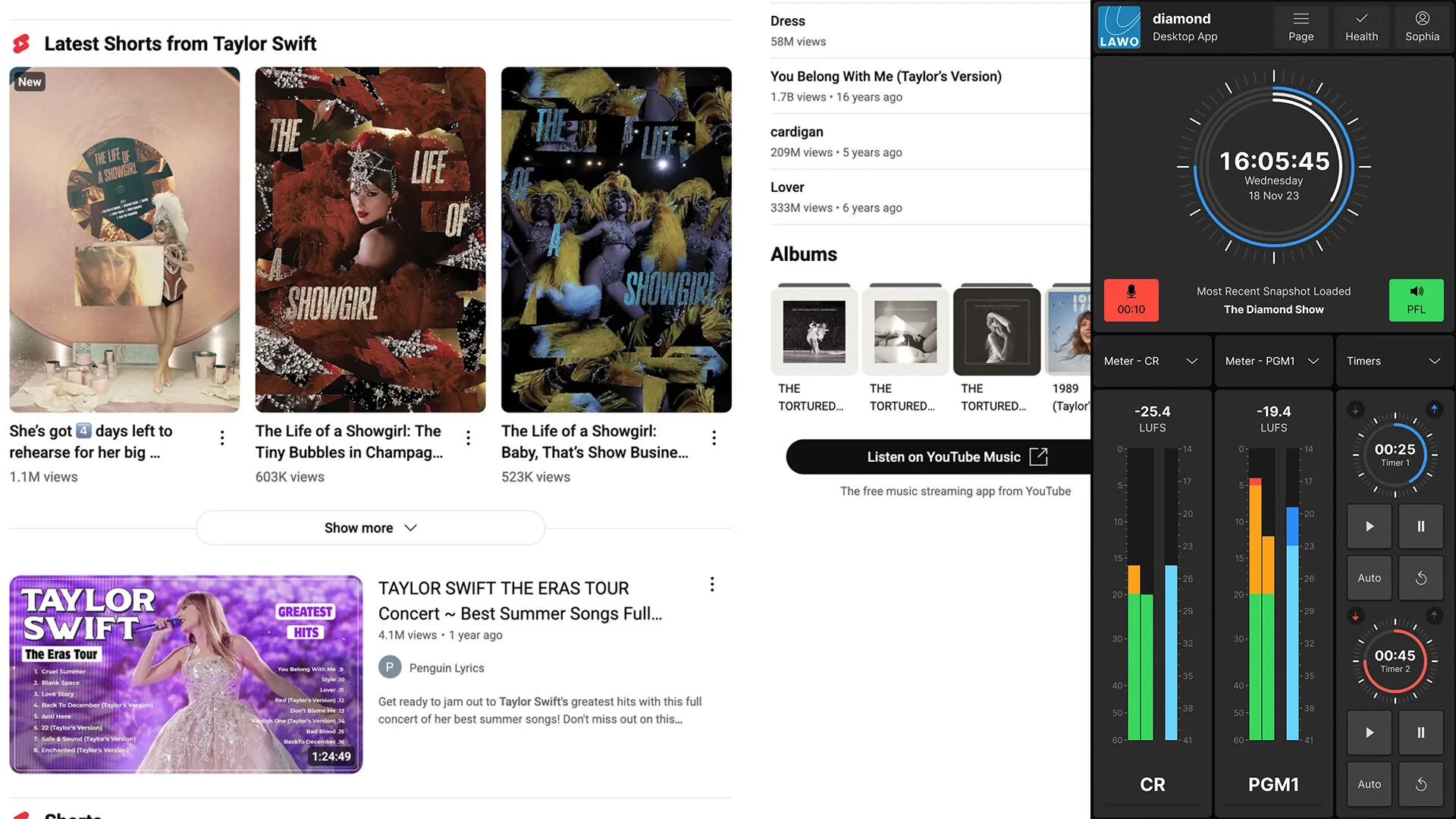
VisTool frames the web, so you can build a control interface with things like news feeds, social media channels, live video streams, media players, webcamsliterally anything that is on the web or in the cloud is just a touch away.

Critical controls and meters remain docked on-screen, while others can be collapsed and recalled, so talent can stay informed and interact instantly with listeners while remaining focused on their shows. Of course, VisTool also has room for your rundown software, playout system, and so on.

section-blue

The Power of Touch

Why are touchscreens good for radio? One word: immediacy. Touch makes operations faster and more intuitive, reduces complexity and adds context-sensitive, predictive control. Aviation, IT, banking, logistics and other industries that require split-second control have all proven that touch interfaces are the perfect way to give operators the right tools exactly when they’re needed most.

section-light-grey

EMBER+ Open Logic for All

Ember+ has become the de facto standard for networked control in the broadcast community. Like AES67 and RAVENNY, Ember+ is truly free and open. Proprietary protocols let you control a few specific devices, but VisTool with Ember+ gives you command of a huge number of products from an ever-expanding coalition — all driven by VisTool’s insanely flexible drag-and-drop Boolean logic engine.

VisTool Variants

VisTool comes in Standard and Unlimited versions. A VisTool Standard license is included with all Lawo diamond and crystal mixing consoles and includes a number of standard pages and controls. VisTool Unlimited unlocks the full potential of VisTool and allows the creation of custom user interfaces that suit your specific needs.

section-light-grey

VisTool Standard Features:

  • Real-time visualization and control of broadcast audio devices for single- or networked multi-studio applications
  • Intuitive, context-sensitive touch-enabled GUIs
  • Dynamically switch between full-screen pages, or docked / windowed mode
  • Local or global snapshots for recall of saved parameters and settings from any studio
  • Multi-level user rights-management system tied to Windows login
  • Control elements include:
    • Input source selection and parameter controls
    • Meters (VU, PPM, Loudness, Channel, Correlation and Gain Reduction)
    • Faders, sliders, buttons and rotary encoders
    • Comprehensive routing matrix source/destination controls
    • Clocks and event timers
    • Monitor, PFL and Talkback controls

VisTool Unlimited Features:

A paid upgrade with all VisTool Standard capabilities, plus:

  • The ability to design and build context-sensitive custom control screens using Lawo’s extensive graphics library
  • Use of imported custom graphics and controls for consistent station branding
  • Use of web browser plugins of embeddable web apps and standard HTML pages

For even more advanced applications, the following feature modules can be added to VisTool Unlimited as optional add-ons:

  • Sophisticated Logic Engine for custom workflows and operation
  • Control external networked devices using the open-source Ember+ API
  • Embed and integrate Lawo VSM panels and logic into any page

The lists show all available features. The actual number of GUI elements available simultaneously depends on the computer specifications.

System Requirements

Download our Specification document for sample configurations and hardware requirements.

section-light-grey

VisTool SOLO and SOLO Plus

Talent Panel Software

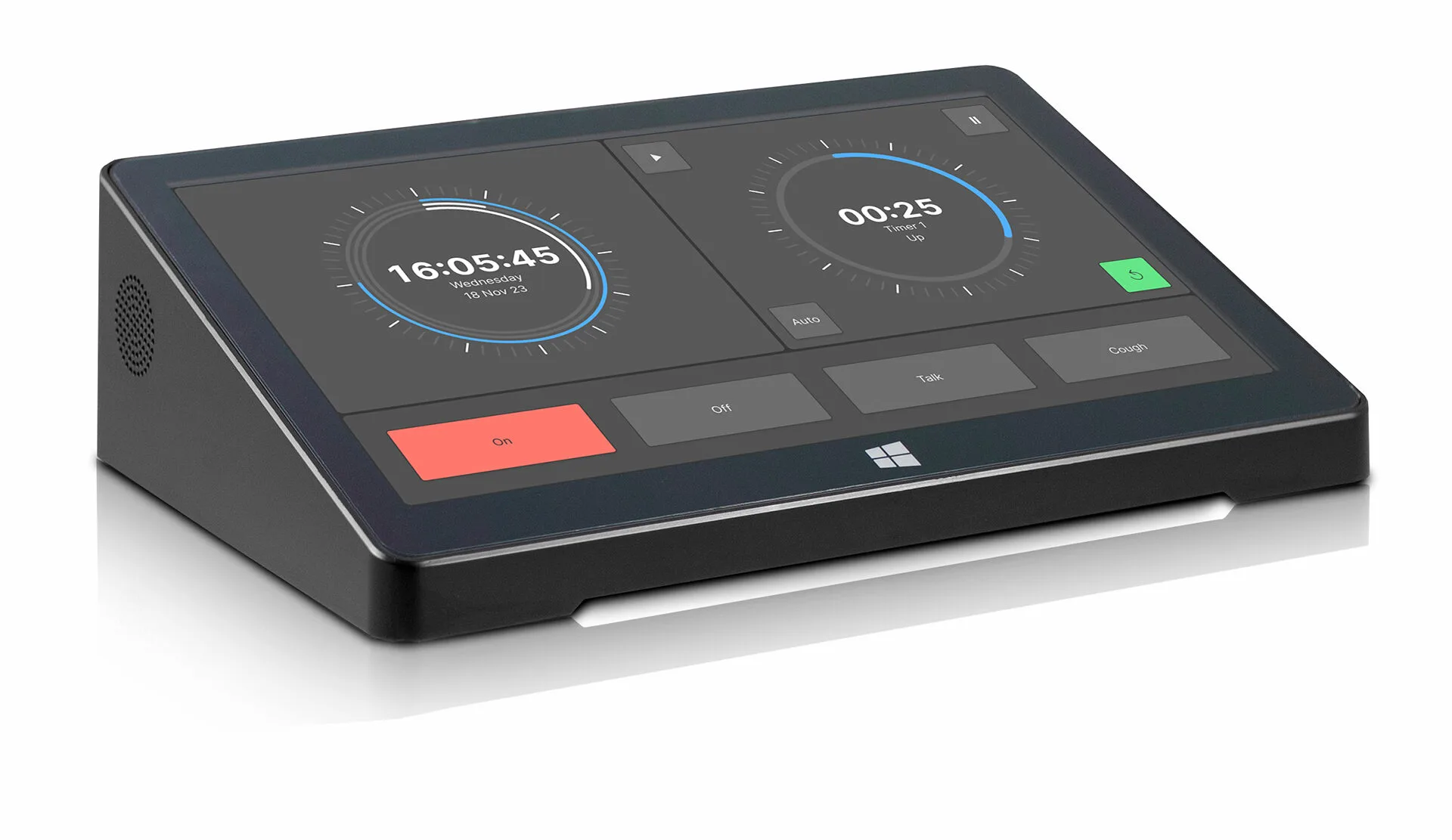
Meet the lightweight GUI-builder software that lets you create graphical software control panels for producers, studio guests, hosts and operators. VisTool SOLO comes in standard and SOLO Plus versions.

Both provide multi-touch enabled control and an intuitive GUI optimized for fast-paced workflows. VisTool SOLO and SOLO Plus are perfect for distribution across studio furniture and deployment on portable devices.

VisTool SOLO Features:

  • 2 pages + 2 overlays
  • Large time-ofday clock and 3 event timers
  • 10 generic elements (background, graphics and text)
  • Up to 32 buttons
  • 4 level controls (fader, slider and rotary)
  • 2 stereo PPM/VU meters
  • 2 correlation meters
  • 2 Loudness meters + 2 Loudness value labels
  • 2 LUFS value labels
  • 2 PPM value labels
  • 1 web view

VisTool SOLO Plus Features:

  • 8 pages + 8 overlays
  • Large time-ofday clock and 3 event timers
  • 40 generic elements (background, graphics and text)
  • Up to 128 buttons
  • 24 level controls (fader, slider and rotary)
  • 8 stereo PPM/VU meters
  • 8 correlation meters
  • 8 Loudness meters + 8 Loudness value labels
  • 8 LUFS value labels
  • 8 PPM value labels
  • 4 web views

The lists show all available features. The actual number of GUI elements available simultaneously depends on the computer specifications.

System Requirements

Download our Specification document for sample configurations and hardware requirements.

Perfect For Engineers Too

Engineers also love VisTool SOLO. Imagine: immediate access to essential system controls and monitoringany time, from anywhere.

Perfect for remote control of routing crosspoints or program feed selection, or for custom program status displays with loudness metering and silence alarms to keep you fully informed at a glance. With a Wi-Fi connection, your tablet with VisTool SOLO makes fast work of routing changes or checking program channel status from anywhere on campus.