HOME Multiviewer

Intelligent, Server-Based Multiviewer App

This low-latency Multiviewer application is part of the first batch of agile HOME Apps that no longer require dedicated, bespoke hardware, ­relying instead on cloud-native microservice technology such as Docker.

HOME Multiviewer is perfectly suited for high-bandwidth/low-latency ST2110 broadcast environments, SRT stream workflows in the cloud, NDI devices, compressed formats, and so on. The number of PiPs can easily be adapted to the job at hand. Going from one to up to 32 splits in a real-world scenario (more splits are possible) is a simple matter of setting the relevant ­parameter in HOME which, among many other things, acts as the GUI for all HOME Apps.

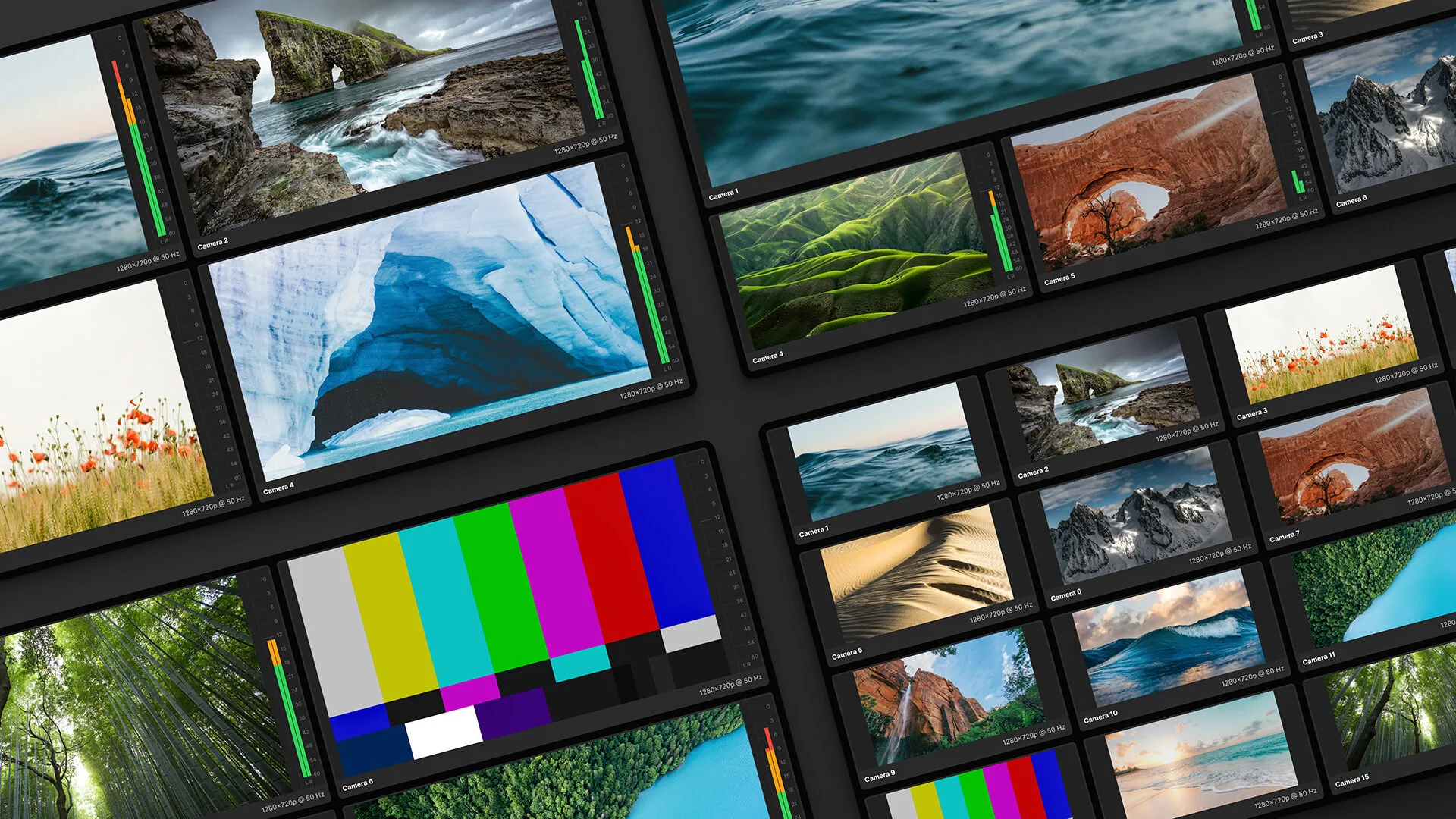
Multiviewer layouts for up to 64 PiPs—complete with customizable tallies, alarms, clocks, level meters, OSDs, UMDs, and metadata—are created with Lawo’s intuitive theWALL app, which sits inside the HOME cluster.

All settings can be stored as user presets and applied to other HOME Multiviewer instances for a unified look.

Most importantly, users don’t need to be engineers—nor have a scripting background—to spin up and configure a HOME Multiviewer. The HOME management platform makes this plain, simple, and intuitive.

There are two reasons for Lawo’s standard-server approach. The first is the desire to offer long-term support for all present and future streaming and compression formats, for 360° flexibility.

The HOME Multiviewer app currently natively supports SMPTE ST2110, NDI and SRT—with or without JPEG XS, H.265 or H.264 compression. Future format requirements can be accommodated as they become relevant.

Input and output formats can be specified independently (SMPTE ST2110, SRT, JPEG XS or NDI® to any one of these). Multi-­format input instances can be configured with the HOME Stream Transcoder.

lives@HOME

NEW

HOME Multiviewer is now Intelligent

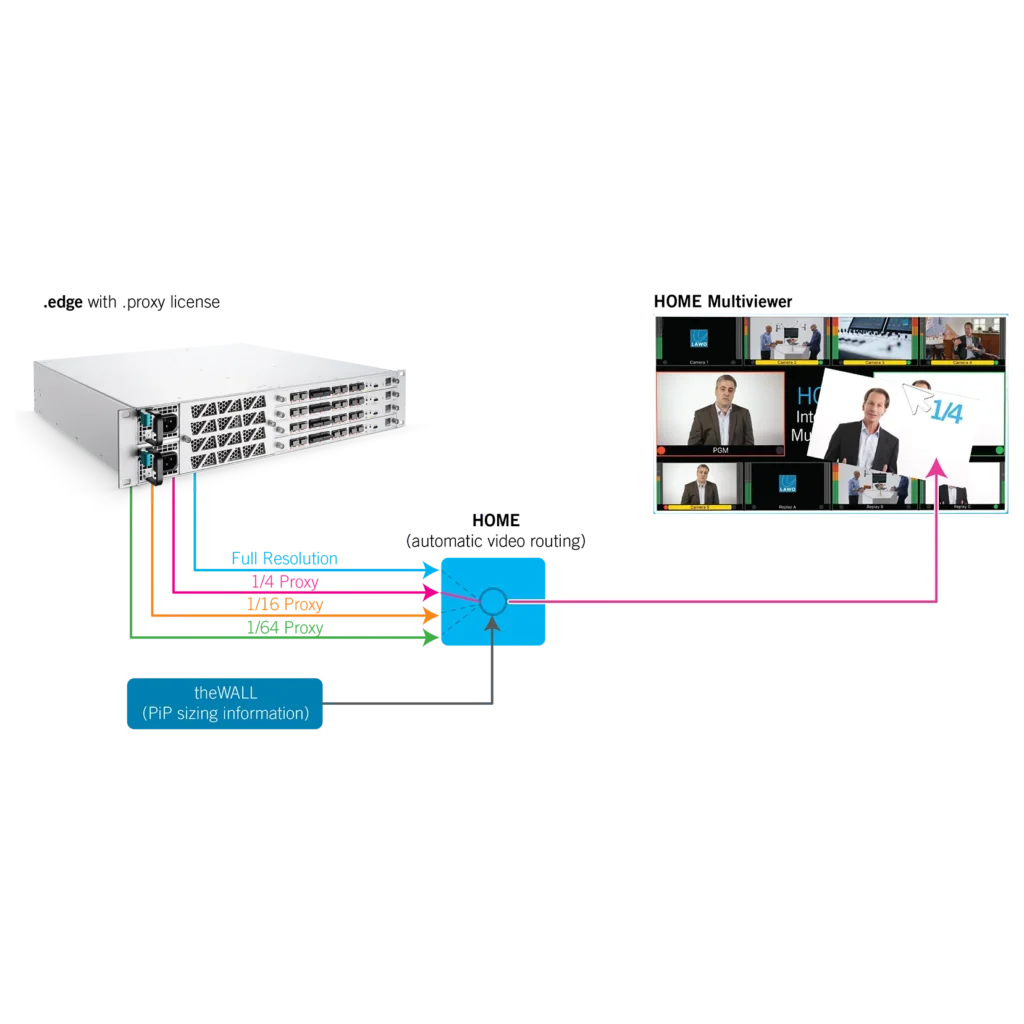
Thanks to a new “Input Video Resolution” setting for HOME Multiviewer called “Dynamic”—and in collaboration with .edge, HOME, and VSM—HOME Multiviewer now allows operators to automatically save IP bandwidth and CPU load by using the multiviewer PiPs (picture-in-picture) more efficiently.

Most multiviewer layouts consist of large and smaller PiPs. So far, the video streams for all PiPs were transmitted to the multiviewer head either at full resolution or using one of the proxies .edge IP gateway and processing platform with a .proxy license generates.

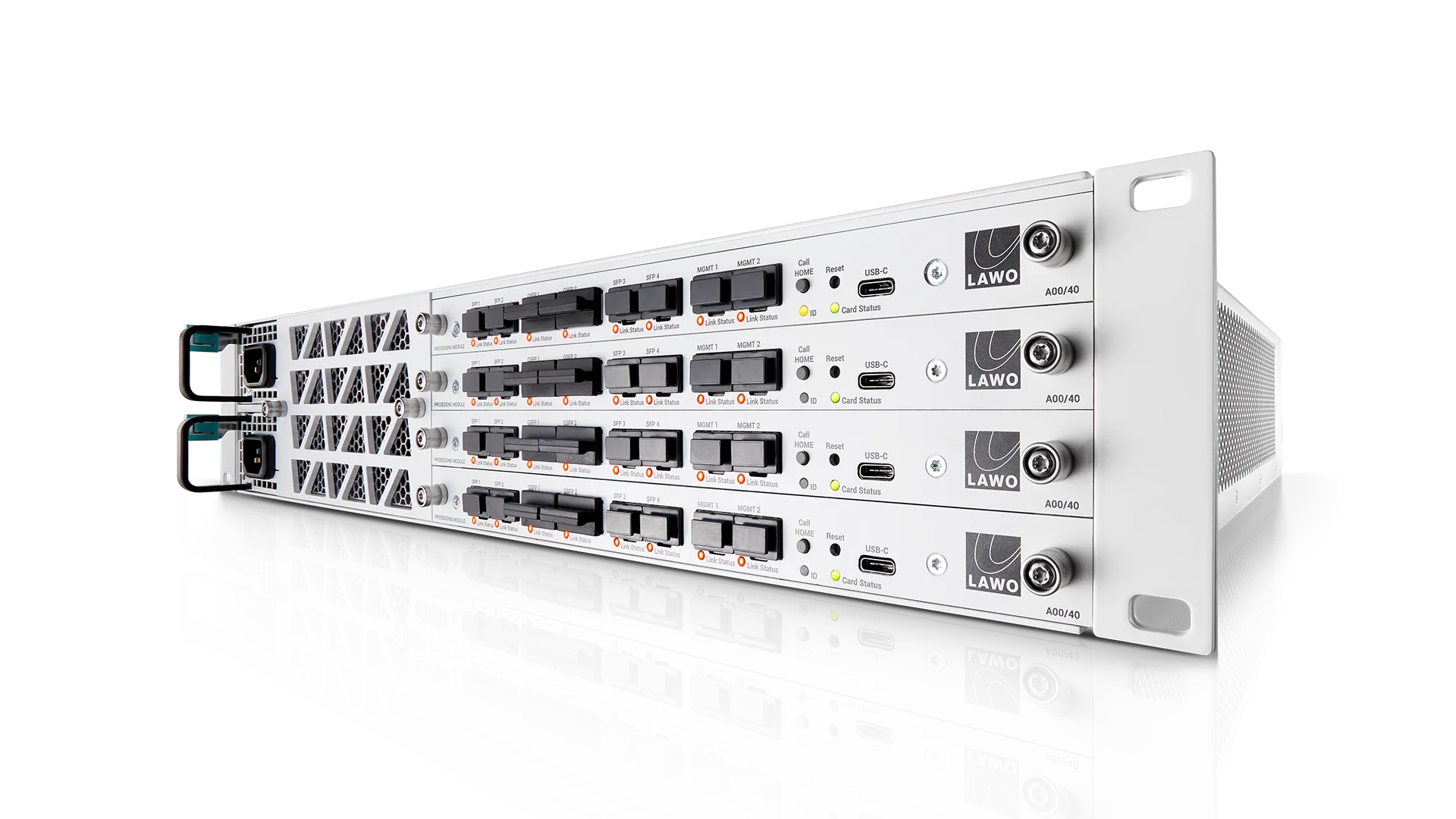
Assigning streams to PiPs used to be a manual—and relatively static—process. This often resulted in information overkill for small PiPs, because they received more data than they required. .edge with a .proxy license automatically generates and transmits three proxies at different resolutions: 1/4, 1/16 and 1/64 the original size—plus the full-resolution stream.

HOME is aware of this and automatically selects the resolution that best matches each individual PiP, whether proxy or full-bandwidth feed. It even changes the assignment when you resize a given PiP using theWALL—dynamically and automatically.

This way, fewer megabits need to travel from .edge to a HOME Multiviewer head, more multiviewer instances can be used on the same server—and more network bandwidth is available for other streams. Additionally, dynamic changes to the size of PIPs no longer require substantial amounts of business logic for the VSM infrastructure controller to route the most appropriate proxy to a specific PIP.

Click here to watch an introductory video.

section-light-grey

theWALL — Smart Drag & Drop Multiviewer Control

The HOME Multiviewer was designed to be controlled by Lawo’s groundbreaking, touch-operated configuration system “theWALL”.

This unique HTML5-based GUI makes mosaic configuration with borders, colors, UMDs, tally, etc., a simple case of drag and drop.

Intuitive, Fast Configuration

Like all HOME Apps, HOME Multiviewer is spun up and configured using HOME and theWALL.

Key Features

  • High-quality multiviewer functionality for UHD, 3G, HD and SD video as well as audio sources
  • Generates the required number of PiPs for one multiviewer mosaic head, with a selectable number of inputs and outputs
  • Pixel-perfect mosaics and ultra-low latency
  • Mix and match the SMPTE ST2110, NDI®, JPEG XS and SRT protocols on a single network
  • Commercial flexibility through Lawo Flex

»Click here for details about features available for all HOME Apps.

Specifications

HOME Multiviewer

Video

  • Frame synchronizer
  • SD/HD/.edge proxies: up to 64 PiPs per head, 1080p applications: up to 32 PiPs per head; UHD: up to 8 PiPs per head
  • PiPs can be interlaced or progressive

Audio

  • Audio processing: 16 bits, 24 bits at 44.1kHz or 48kHz
  • 1 stream x 64 audio channels per PiP, 1 output stream x 16 audio channels per head

Head Layout

  • Layout/background color (loaded/saved via theWALL)
  • Widgets for a host of informative and decorative elements

Data Sources

  • Destination Tally, TSL Tally (TSL 3.1 and 5.0), Alarm, Audio Levels, Video Standard (metadata)